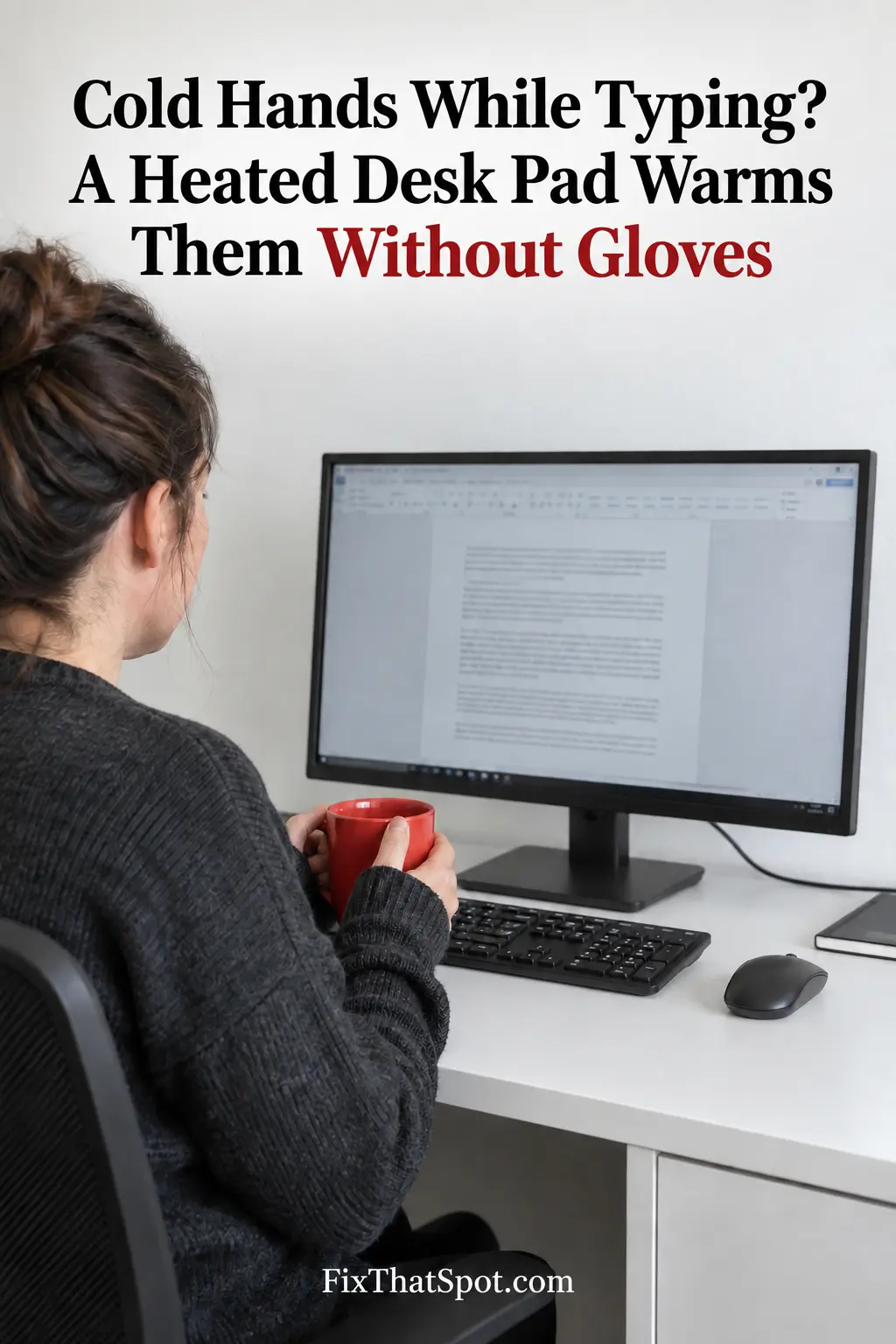
Cold hands and computer work are an awkward match. Gloves cover the fingers that need to find the keys. A hand warmer feels useful until it has to be put down. Five minutes later, the mouse hand is cold again and the warmer is sitting beside it, doing an excellent job of heating itself.
A space heater avoids that problem, but it warms a much larger area. It may also point toward the legs rather than the hands. The room gets warmer while the fingers continue working farther up the desk.
The better question is not how to cover or hold the hands. It is how to warm them while keeping the fingers uncovered.
A heated desk pad sends warmth upward from the work surface. The wrists and lower arms can stay near the heat while the fingers remain free to type and control the mouse.
Leave Some of the Warm Surface for Your Hands
A wide pad needs to do more than accommodate the equipment. If the keyboard and mouse occupy nearly every heated inch, they may fit perfectly while leaving nowhere warm for the hands.
This pad measures 31.5 by 13 inches. That gives a keyboard and mouse room together, but their placement still matters. The useful area is the part left exposed in front of and beside them, where the wrists and lower arms come closest to the surface.
That makes depth just as relevant as width. A full-size keyboard may fit across the pad easily, yet a shallow desk can push it toward the front edge. The pad then warms the equipment while the wrists rest beyond it.
Before buying, look at the occupied section of the desk. Measure from the monitor base to the front edge, with the keyboard still in its normal position. An empty desk can look much larger before the equipment goes back.
Coverage Matters More Than the Highest Setting
The pad has three settings from 104°F to 122°F. Being able to change the temperature is useful, but the highest setting cannot correct poor placement. Moderate warmth beneath both hands makes more sense than greater heat beneath one corner of the keyboard.
The control sits at the left corner, and the pad switches off after four hours. It also requires a nearby 110V outlet and uses a US two-pin plug rather than USB power.
A heated desk pad will not solve all the small problems that make a home office uncomfortable. It solves a specific problem: the hands need warmth, but the fingers still need to type. With enough exposed pad beneath the wrists and lower arms, both hands can stay near the heat without leaving the keyboard.