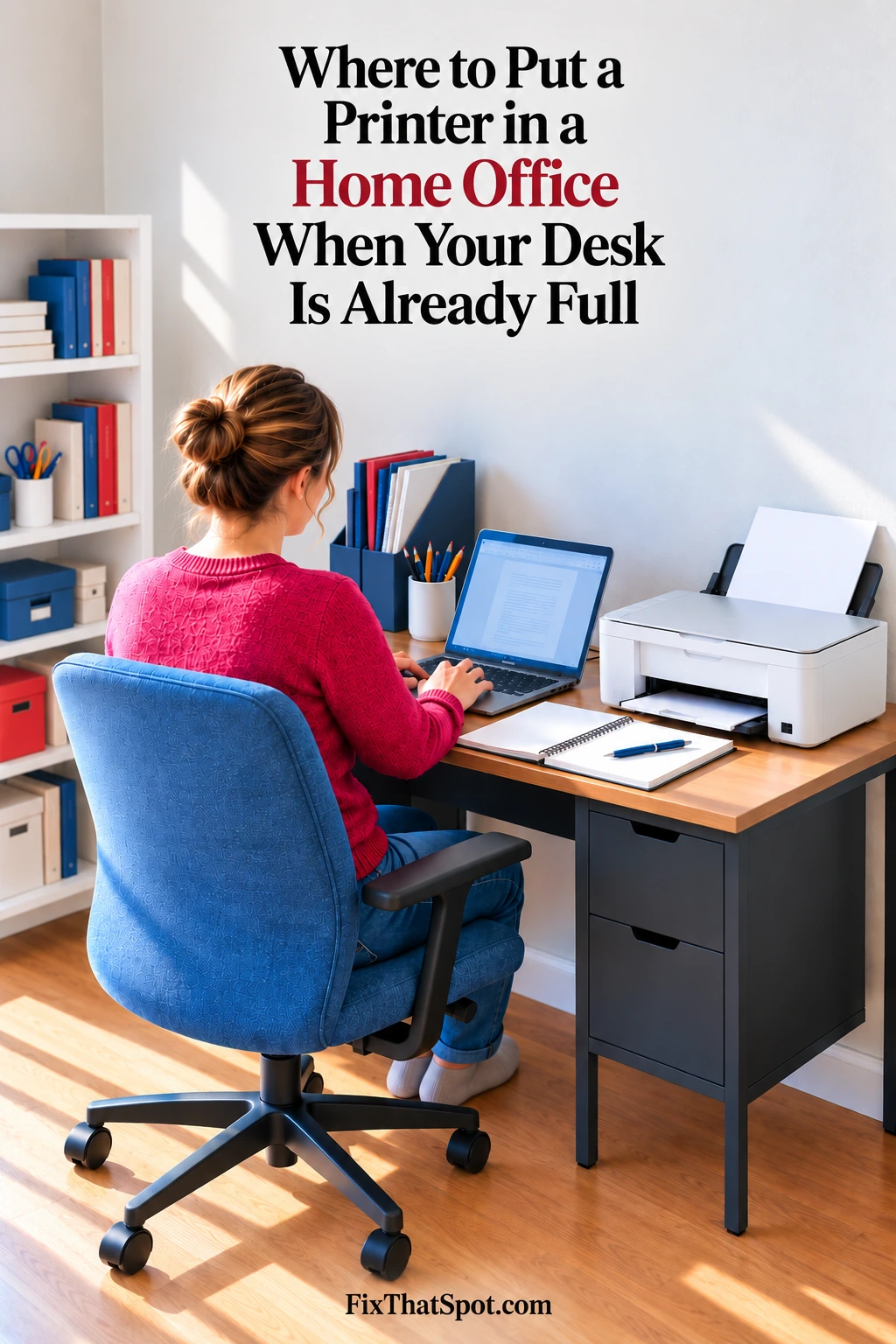
A printer can sit untouched for most of the day and still take up one of the most useful parts of the desk. Open a notebook beside it and the cover catches the printer. Printed pages get pushed into whatever space remains. The printer is not in the way until something else needs the same spot.
It usually stays there because there is no obvious place nearby to put it. The floor clears the desk, but the first paper refill means reaching down beside the chair. That is not much of an improvement.
There may already be usable space under the desk.
A low rolling printer stand gives the printer its own surface without moving it away from the work area. At 13.4 inches high, the stand can slide beneath many desks. The lower shelf can hold printer paper instead of leaving the ream on the desktop.
The wheels matter because the printer needs more room at some times than others. Pull out a paper tray and its footprint changes. Lift a scanner lid and the space above it suddenly matters too. A rear paper feed may need open space behind the machine.
Rolling the stand forward can provide that temporary room. Afterward, it can go back under the desk. Two locking wheels keep the stand in place once it is where it needs to be.
That makes usable clearance more important than finding the smallest stand that fits.
Measure the Printer With Its Trays Open
The stand has an 18.9-by-15.7-inch top. That gives many smaller inkjet printers enough room, but larger machines can extend beyond those dimensions.
Measure the printer before choosing a stand, then open the parts used during a normal print job. The closed case does not show how much room an extended tray or rear feed will need.
If the printer has a scanner, open the lid before deciding where the stand will sit. It may need to roll farther out from under the desk than the paper tray does.
This is also why extra drawers and shelves are not the most important feature here. A printer stand can hold plenty of supplies and still be irritating if the printer is awkward to reach. Easy movement and enough operating room make the bigger difference.
Customer feedback supports that distinction. Buyers frequently mention that the wheels roll easily and that the stand fits well beneath computer workstations. The stand has four wheels, and two lock once it is back in position.
Moving the printer may also reveal that it was only part of the crowding. If notebooks and other everyday items quickly fill the space it leaves behind, why there is never enough room on your desk looks at that wider problem.
With enough clearance around the printer, the space under the desk becomes useful rather than merely empty. The printer can come forward for paper, scanning, or printing, then roll back out of the working area.