
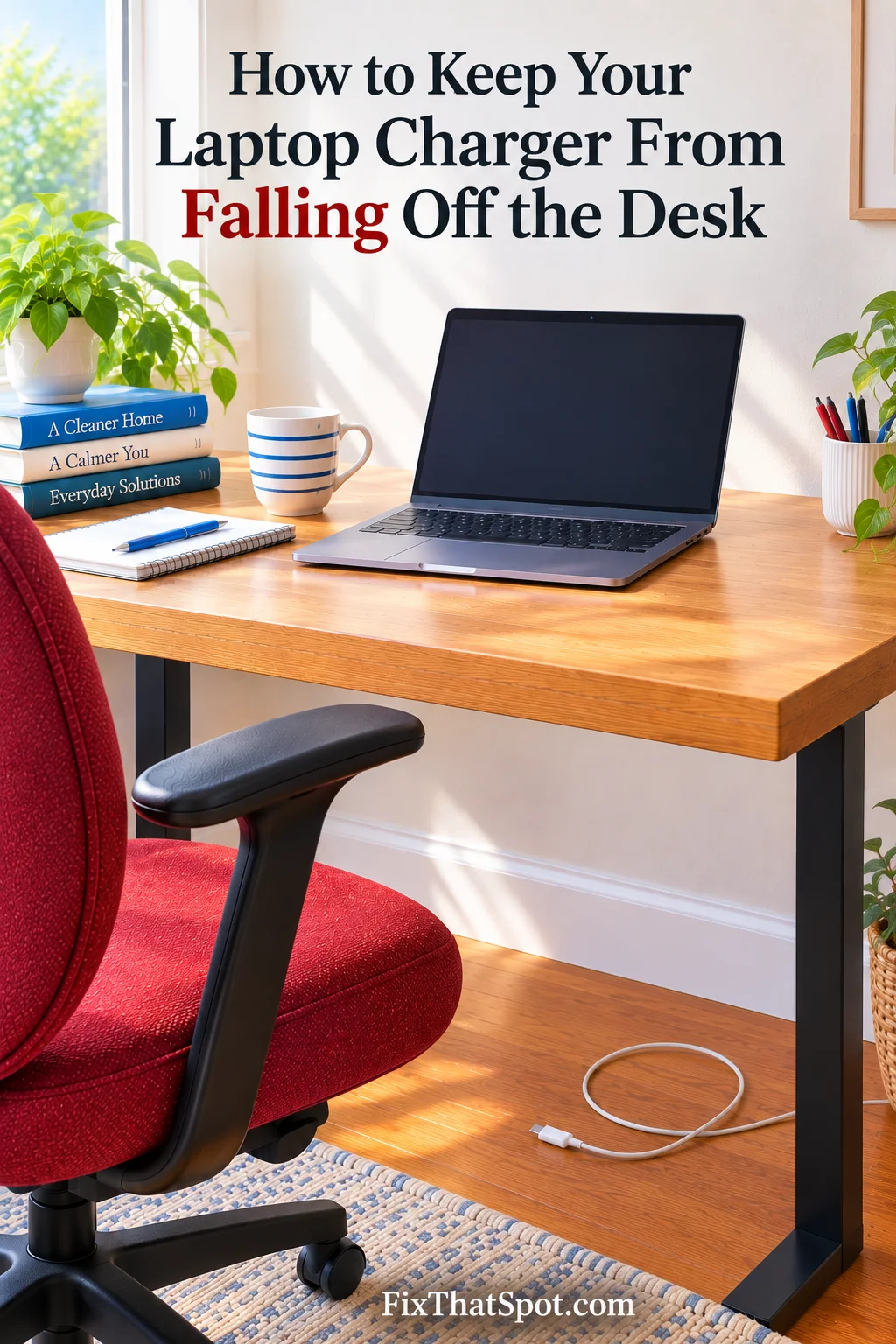
A laptop charger can stay exactly where you put it while it is plugged into the computer. Unplug the connector, though, and the arrangement changes. The laptop is no longer holding that end of the cable on the desk.
You put the connector beside the laptop. Later, it is behind the desk even though the charger brick has not moved. One more inch of cable over the edge was enough to pull the loose end down.
Moving the brick farther back deals with the wrong part. The cable needs a stopping point where it reaches the desk edge.
A magnetic cable holder stays attached near that edge and closes around the cable. It does not organize the full length or force the charger into one permanent position. It simply prevents the section hanging below the desk from taking the connector with it.
The magnetic opening matters when the charger travels with the laptop. A fixed clip can hold the cable just as firmly, but removing it may mean pulling the entire cord through a narrow slot. With this holder, the clamp opens and releases the cable. When the charger comes back to the desk, the clamp closes around it again.
Several cords hanging under the desk create a different problem. Stick-on cable mounts can guide those cords along the desk. The magnetic holder remains easy to open when the laptop charger needs to leave with the computer.
Check the Cable Before Attaching the Holder
The slot measures 7.5 mm. Check the section of cable that will sit inside the clamp, since a thick sleeve may keep it from closing properly. The connector does not need to fit through the slot because the magnetic clamp opens to let the whole cable out.
With the cable caught at the edge, the charger brick can remain wherever the outlet requires while the connector stays on the desktop.